 Students Incorporated
Technology
Why One Reused Password Can Unlock a Student's Whole Life
94% of leaked passwords are reused, and half of U.S. school districts had a cyber incident in 2025. ICS Bangkok students explain the habits that stop it.
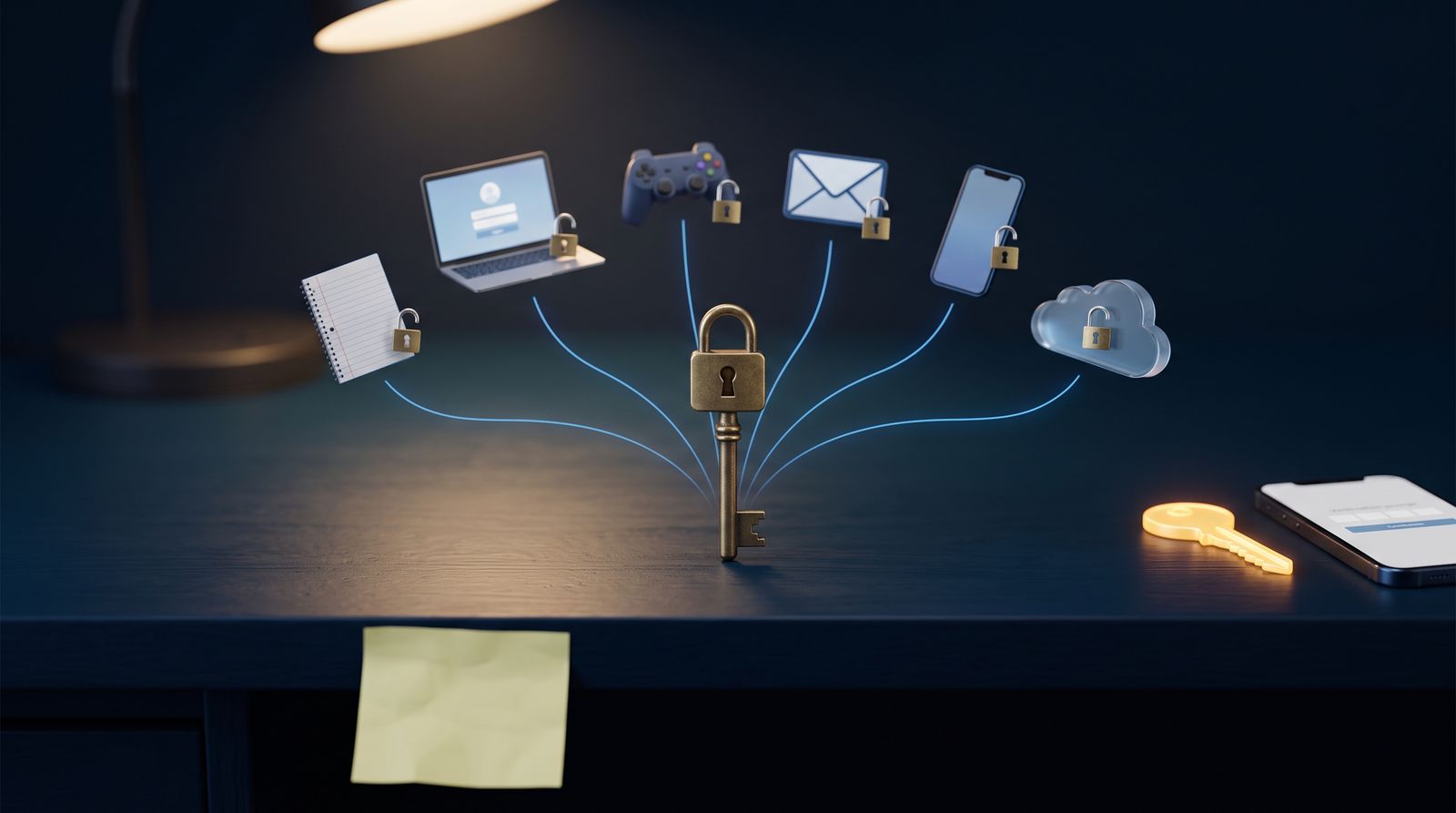
Most account hacks don't look like the movies. They look like a password someone picked in middle school and never changed. That is the case Students Incorporated host Mr. Jason and student co-hosts Junior and Rini of the International Community School of Bangkok make in a new episode on cybersecurity basics. The biggest risk to a student's digital life isn't a genius hacker. It's an ordinary habit repeated across dozens of accounts.
A Cybernews study of more than 19 billion passwords exposed in roughly 200 data breaches between April 2024 and April 2025 found that 94% were reused or duplicated. As one student put it in the studio, almost everyone is using the same password for their email, their school portal, and random shopping apps.
The habit that does the attacker's work
Junior's explanation for the trap was blunt: convenience. "Remembering 30 unique passwords is impractical without a reliable system," he said. So people pick one phrase and keep it for life.
The danger has a name: credential stuffing. When a small website is breached, attackers run the stolen email-and-password pairs through automated software against higher-value targets like school portals, banking apps, and cloud drives. If the password is the same everywhere, a breach at some forgotten site becomes a key to everything else.
"Cyber attackers rarely rely on advanced Matrix-style hacking to gain entry. They look for the easiest entry point available."
That was Rini, explaining how small oversights add up. Combine an unpatched phone, open public Wi-Fi, and a reused password, she said, and "you make an attacker's job effortless."
When the breach isn't yours
Students aren't only exposed through their own habits. More and more, the weak link is the software their school runs on.
The show cited Clever's 2026 Cybersecure report, which found that 52% of U.S. school districts experienced a cybersecurity incident in 2025. Clever's release adds the trend the episode didn't have time for: that figure was 31% in 2023 and 36% in 2024. Vendor-related incidents, meaning breaches that start at a third-party platform rather than inside the district, rose from 4% of incidents in 2023 to 32% in 2025, according to the same report, which surveyed nearly 500 U.S. K-12 administrators and technology staff.
The largest recent example is PowerSchool. TechCrunch reported in January 2025 that the student-information company had begun notifying people affected by a breach, and reporting put the scale at more than 62 million students and 9.5 million teachers across more than 6,500 school districts in the U.S., Canada, and elsewhere. The way in, according to that reporting, was a single compromised credential used to access a customer support portal. The same failure the students warned about, on an institutional scale.
The news segment added two more cases. Citing the security firm Resecurity, the hosts described the hacking group ShinyHunters stealing millions of education-platform user records, including one exposure of personal information belonging to more than 4 million students and teachers. They also described an extortion group called FulcrumSec claiming a theft from the Singapore-headquartered Global Schools Foundation. The haul reportedly included more than 33,000 passport numbers of parents and children across 62 countries, plus the home addresses and GPS coordinates of more than 107,000 transport users. The group threatened to publish the data unless paid, a double-extortion tactic the hosts noted is becoming more common.
A student can't fix any of that by changing a password. But when the school's systems can leak, the only layer a student fully controls is their own.
Length beats cleverness
On why long passphrases beat short, complex passwords, Rini went straight to the math. A password like "P@SS1" looks secure because of its special characters, but automated cracking tools can cycle through short combinations in seconds. Four random words (her example was "purple turtle jumps high" with an exclamation mark) create vastly more possibilities while staying easy to remember.
Official guidance agrees. NIST's Special Publication 800-63B, the U.S. government's digital identity standard, now puts length ahead of mandatory mixes of symbols, numbers, and capital letters. The current version calls for at least 15 characters when a password is the only thing protecting an account, and it no longer recommends forcing people to change passwords on a schedule.
The second lock
The single most effective setting, the hosts argued, is multi-factor authentication. It requires a second step through your phone or an authenticator app. Microsoft's identity security team has said accounts using MFA are more than 99.9% less likely to be compromised, because the second factor stops automated attacks even when the password is already known.
Cybernews' own researcher was blunter in the password study, writing that for most people, security "hangs by the thread of two-factor authentication," and that's assuming it's even enabled. That is why the episode's list of common mistakes includes turning MFA off because the extra step feels annoying.
The hosts also stressed updates. Security patches close known holes that attackers actively exploit, and postponing an update for weeks, as the episode put it, "leaves a known front door wide open on your device."
The digital footprint students forget
Two quieter risks came up that most advice skips.
The first is old accounts. Rini pointed out that students sign up for gaming forums, study tools, and educational apps, then stop using them. The account doesn't disappear. The username, data, and old password sit on someone else's server, still exposed if that site is breached years later.
The second is app permissions. Junior admitted he has done what most people do: tap "accept" on every pop-up to get into an app faster. The result is a simple mobile game with access to location, photos, or contacts it doesn't need. Reviewing permissions and deleting unused apps, he said, shrinks that exposure.
Ten mistakes, and one that looks harmless
The hosts ran through ten common errors:
- Reusing the same password across sites and apps.
- Clicking links or opening attachments in unexpected emails, texts, or direct messages.
- Repeatedly postponing operating system and app updates.
- Using open public Wi-Fi without a VPN.
- Storing passwords in unencrypted notes apps, text files, or sticky notes.
- Leaving social media profiles fully public.
- Disabling multi-factor authentication because it feels inconvenient.
- Downloading apps, game mods, or browser extensions from unofficial sources.
- Answering social media "survey" posts about your first pet, childhood street, or favorite team.
- Staying logged in on shared computers in classrooms, labs, or libraries.
Number nine drew the most comment. Viral graphics asking about a favorite childhood teacher or the street you grew up on, one host noted, are often built to collect the exact answers used for account recovery questions. It's a quiz on the surface and a password reset underneath.
Where to start
Junior's advice was not to fix everything at once. Start with the most important account, usually your main email or school portal: give it a strong multi-word passphrase and turn on two-factor authentication. Then use an encrypted password manager to generate and store unique passwords for everything else over time.
The episode also framed security as a physical routine: just as you lock the front door when you leave the house, lock your laptop when you step away from a library table. "Small daily actions build long-term safety," as the hosts put it.
Schools and their vendors are being breached at rates that would have seemed extreme a few years ago, and students can't control that. They can control whether a password stolen in one of those breaches also opens their email, their cloud drive, and everything connected to them. A long passphrase, a second factor, and an installed update aren't dramatic defenses. They just need to keep an attacker from finding the easy way in.